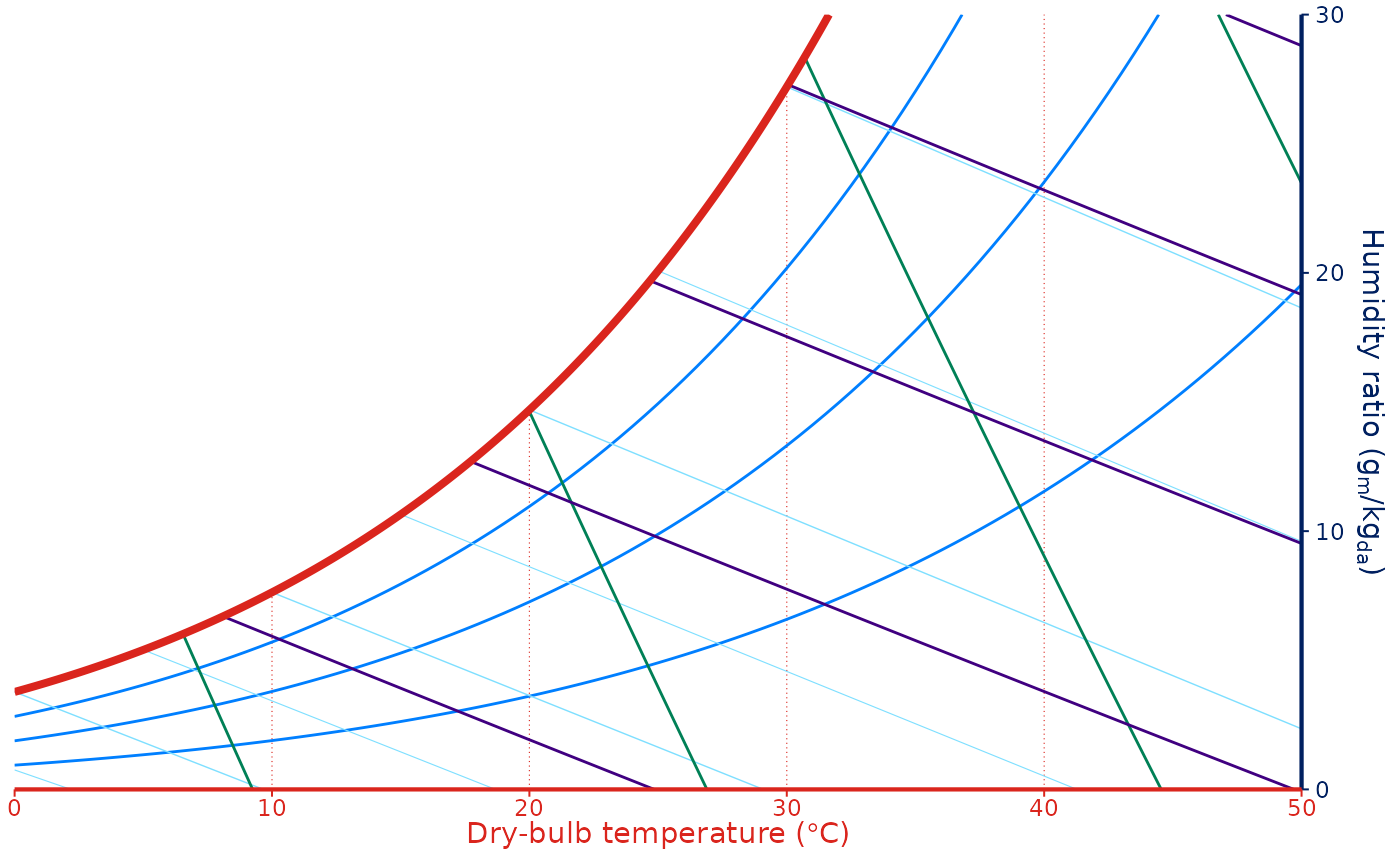
Custom theme for psychrometric chart.
Usage
theme_grey_psychro(
  base_size = 11,
  base_family = "",
  header_family = NULL,
  base_line_size = base_size/22,
  base_rect_size = base_size/22,
  ink = "black",
  paper = "white",
  accent = "#3366FF"
)

theme_gray_psychro(
  base_size = 11,
  base_family = "",
  header_family = NULL,
  base_line_size = base_size/22,
  base_rect_size = base_size/22,
  ink = "black",
  paper = "white",
  accent = "#3366FF"
)

theme_psychro(
  base_size = 11,
  base_family = "",
  base_line_size = base_size/22,
  base_rect_size = base_size/22
)

theme_psychro_ashrae(
  base_size = 11,
  base_family = "",
  base_line_size = base_size/22,
  base_rect_size = base_size/22
)

theme_psychro_minimal(
  base_size = 11,
  base_family = "",
  base_line_size = base_size/22,
  base_rect_size = base_size/22
)
Arguments
- base_size
base font size, given in pts.
- base_family
base font family
- header_family
font family for titles and headers. The default,
NULL, uses theme inheritance to set the font. This setting affects axis titles, legend titles, the plot title and tag text.- base_line_size
base size for line elements
- base_rect_size
base size for rect elements
- ink, paper, accent
colour for foreground, background, and accented elements respectively.
Value
A ggplot2 theme.
theme_psychro_ashrae() and theme_psychro_minimal() are inspired by
psychrochart's ASHRAE and minimal chart styles.
Examples
ggpsychro(tdb_lim = c(0, 50), hum_lim = c(0, 30)) +
theme_grey_psychro()
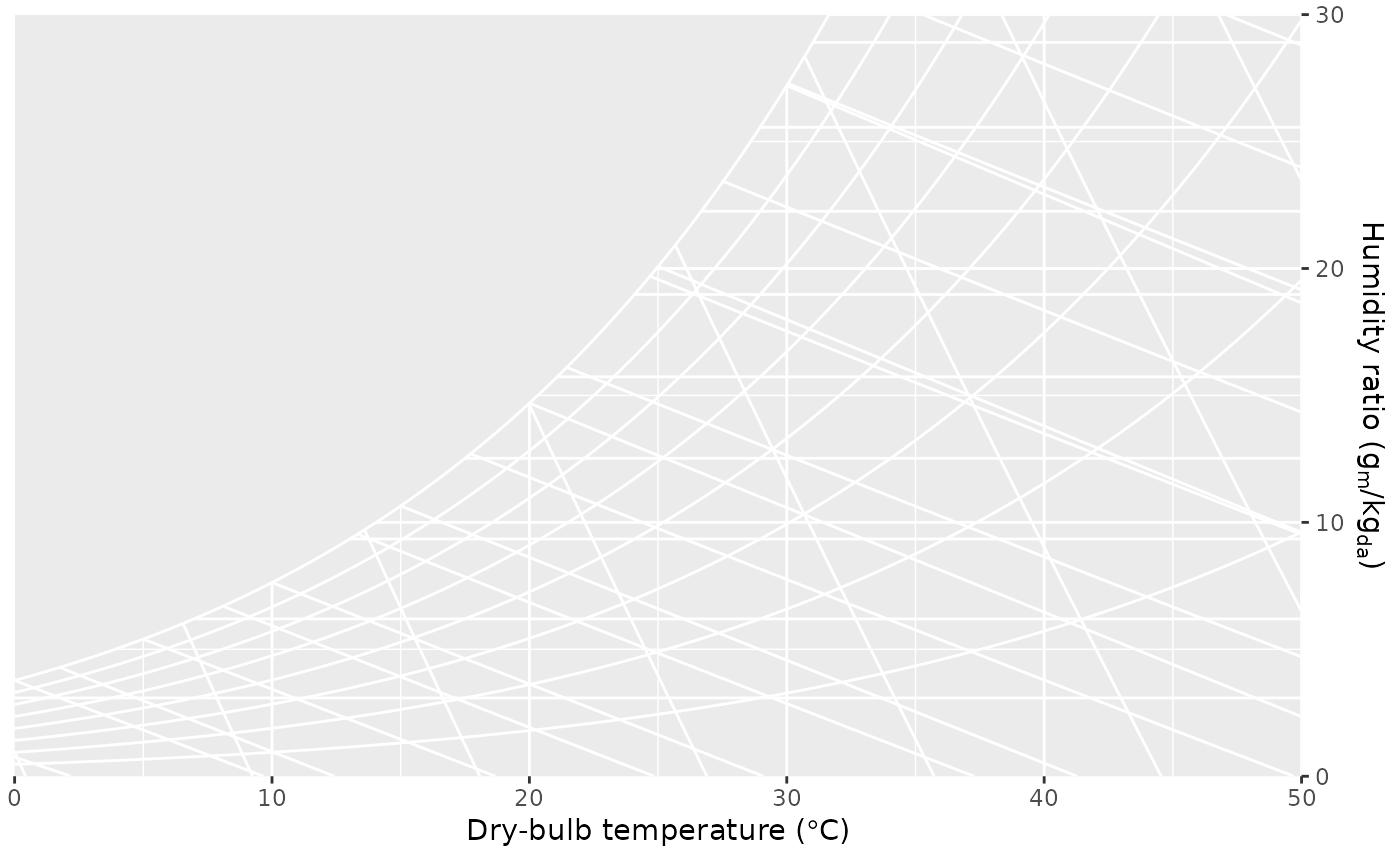 ggpsychro(tdb_lim = c(0, 50), hum_lim = c(0, 30)) +
theme_gray_psychro()
ggpsychro(tdb_lim = c(0, 50), hum_lim = c(0, 30)) +
theme_gray_psychro()
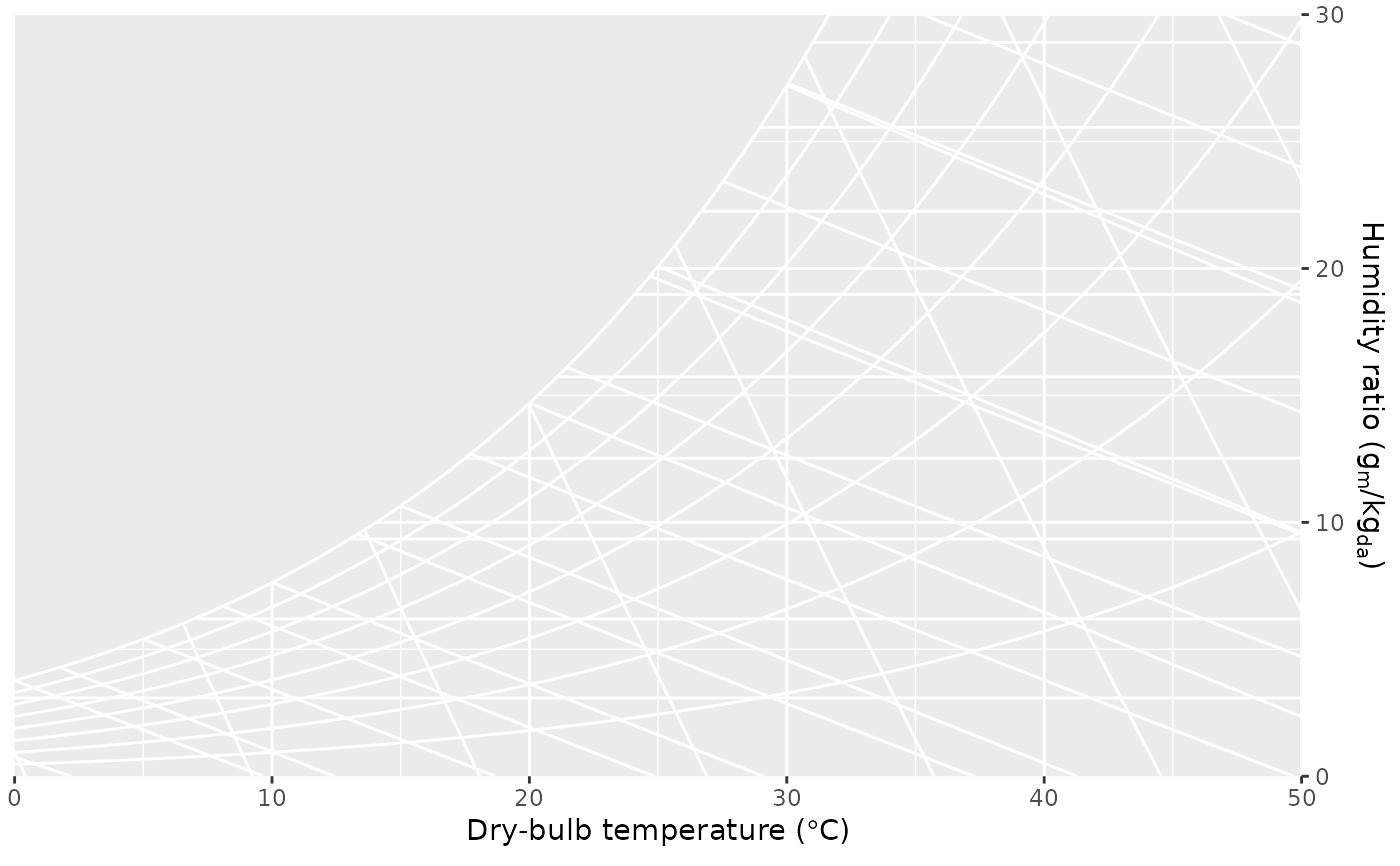 ggpsychro(tdb_lim = c(0, 50), hum_lim = c(0, 30)) +
theme_psychro()
ggpsychro(tdb_lim = c(0, 50), hum_lim = c(0, 30)) +
theme_psychro()
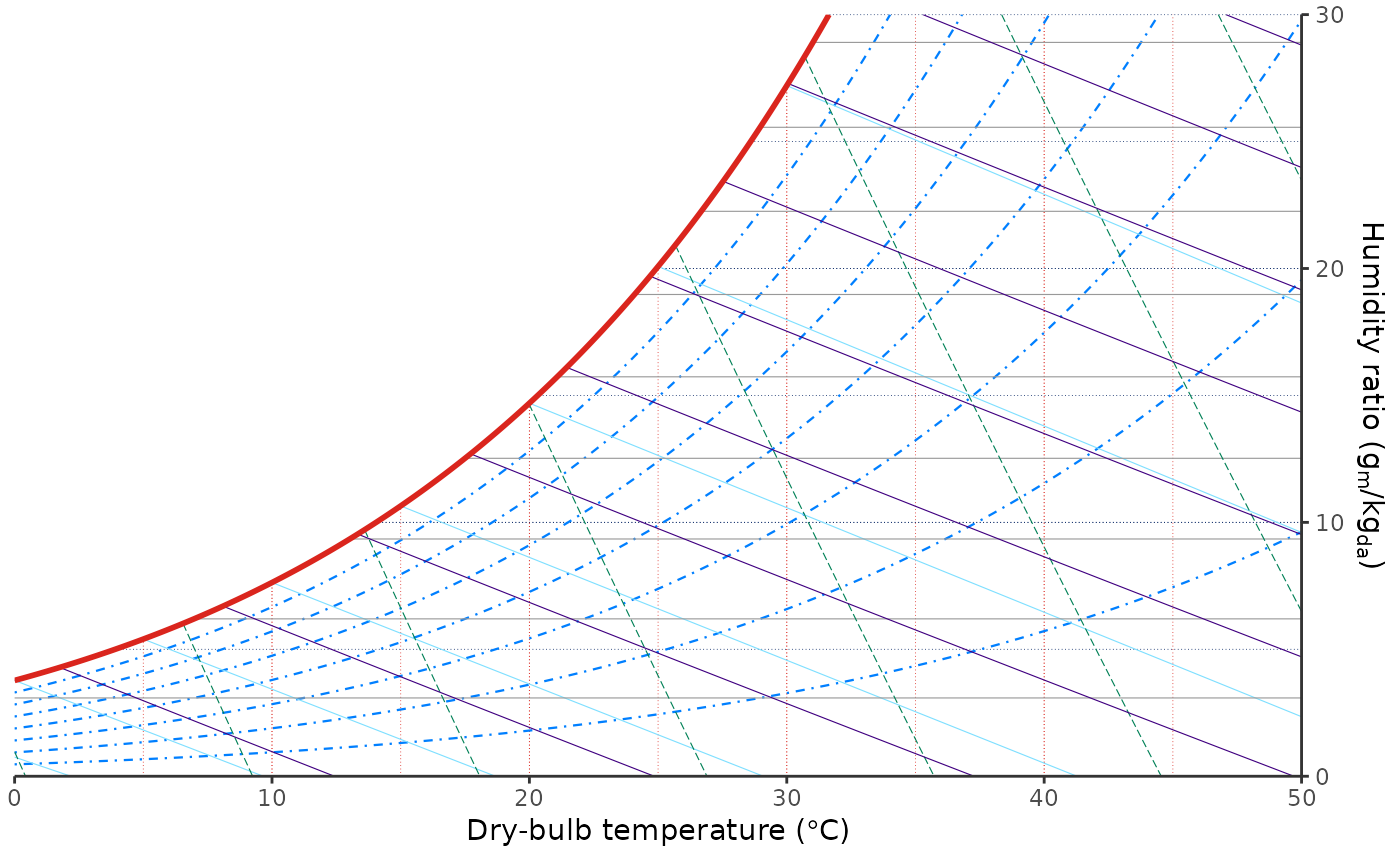 ggpsychro(tdb_lim = c(0, 50), hum_lim = c(0, 30)) +
theme_psychro_ashrae()
ggpsychro(tdb_lim = c(0, 50), hum_lim = c(0, 30)) +
theme_psychro_ashrae()
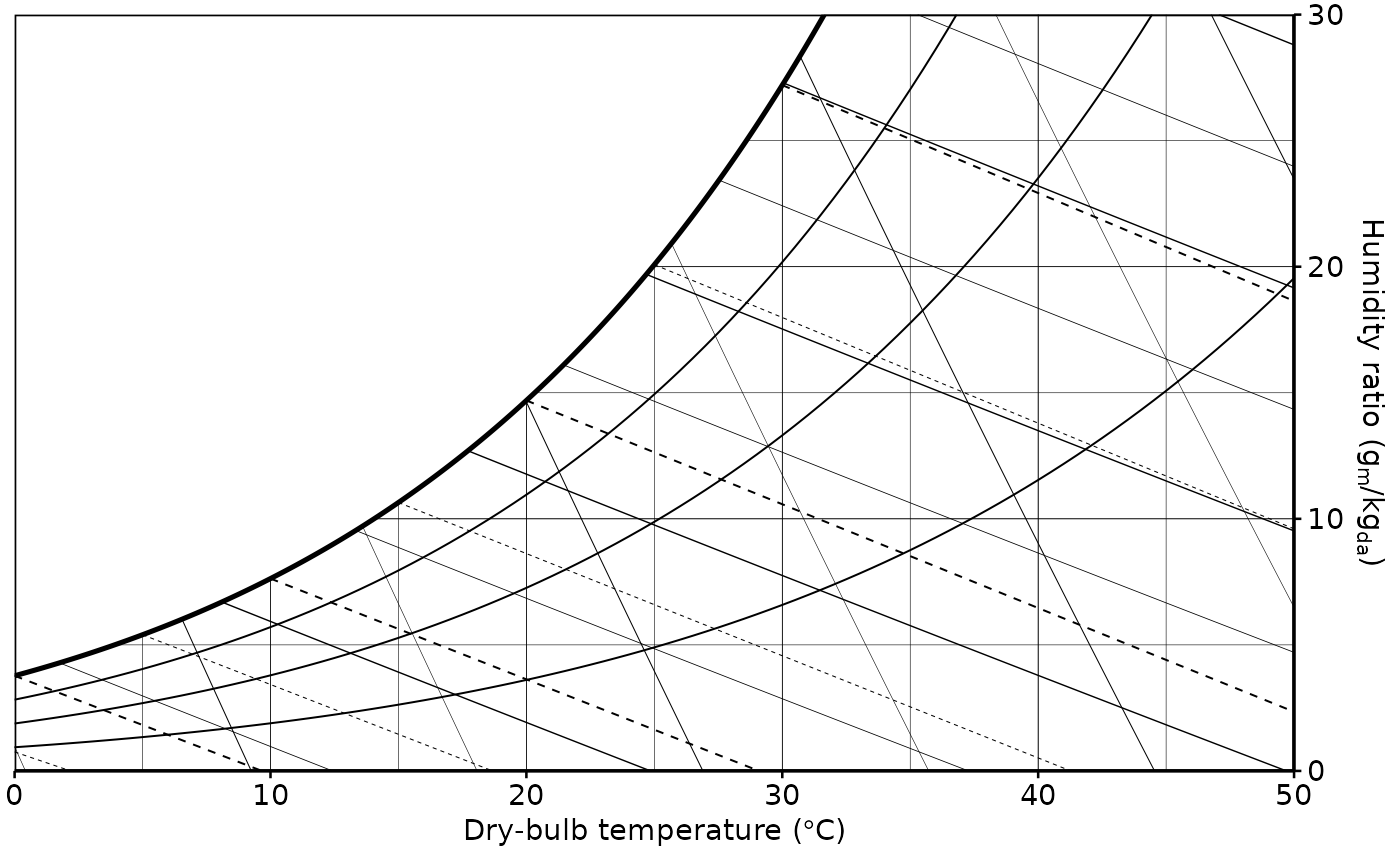 ggpsychro(tdb_lim = c(0, 50), hum_lim = c(0, 30)) +
theme_psychro_minimal()
ggpsychro(tdb_lim = c(0, 50), hum_lim = c(0, 30)) +
theme_psychro_minimal()